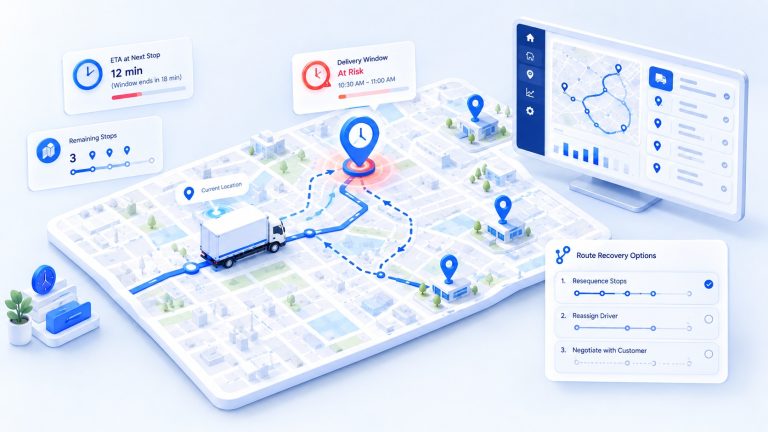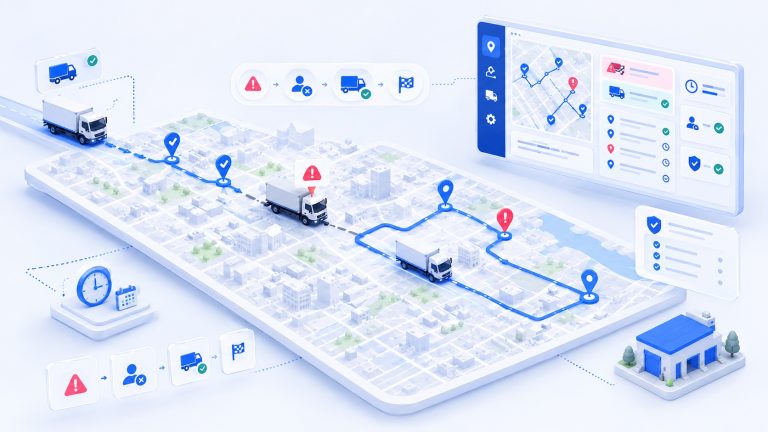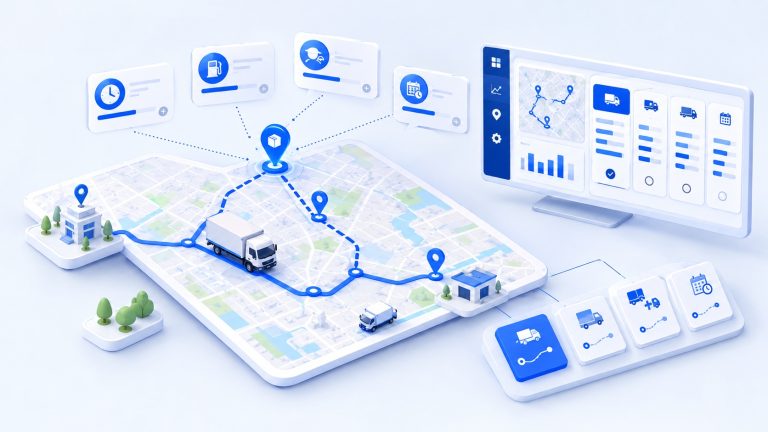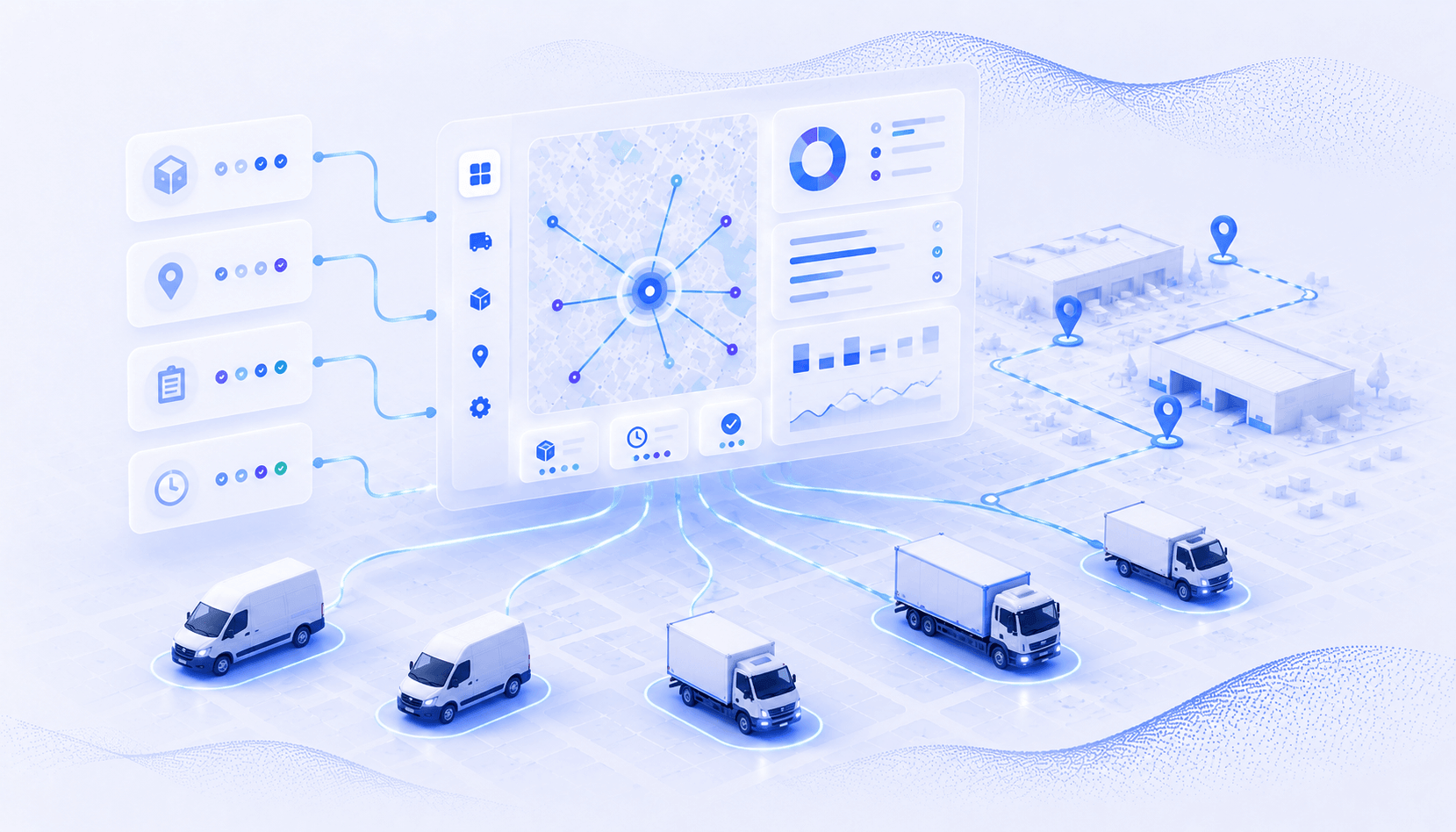






When dispatch lives across a spreadsheet, phone calls, and separate route planning, tracking, and proof tools, the first plan is rarely the problem. The trouble starts after a driver calls out, a priority job appears, or a customer changes the time window. Your dispatcher has to rebuild assignments, explain the change, and work out what the rest of the day can still support.
That coordination matters because customers value reliability as much as speed. In a 2024 McKinsey survey of more than 1,000 U.S. consumers, 90% said they were willing to wait two or three days for a delivery, especially when it avoided shipping costs. The practical lesson is simple: make a realistic promise, then give your team the control to keep it or communicate early when conditions change.
At Upper, I work on how we explain dispatch and route-planning software to delivery and field-service teams. The same confusion comes up repeatedly: assigning work, sequencing stops, and managing day-of execution are connected decisions, but they are not the same decision. This guide defines dispatch software in plain language, shows the full workflow, compares it with route optimization and AI dispatch, and gives you a practical way to evaluate a system with your own work and constraints.
- Dispatch software connects incoming work with drivers, technicians, vehicles, or crews and keeps office and field teams aligned as conditions change throughout the day.
- Route optimization sequences assigned stops, while dispatch determines what work moves, who handles it, when it happens, and how execution is controlled.
- AI dispatch can recommend or automate assignments across multiple constraints, but effective systems still require clear rules, visible decision logic, and human control.
- The most useful software evaluation tests one difficult operating day that includes disruptions such as a callout, cancellation, priority job, or hard capacity constraint.
- Measure planning time, schedule changes, completed work, on-time performance, exceptions, and proof quality before and during a pilot to evaluate real operational impact.
What Is Dispatch Software?
Dispatch software is the control layer that helps a business assign field work, send it to the right person or vehicle, monitor execution, and close the job with a usable record.
It turns planned work into an active day. Depending on the category, a dispatch platform may include scheduling, route planning, live status, customer messages, proof of delivery, and reporting. Not every product includes all these layers, so the category name alone is not a buying specification.
A useful internal definition is this: dispatch software connects work, resources, and day-of execution in one controlled workflow. It should make the current plan visible, show what changed, and give your team a clear way to act.
Once you define dispatch as the system that turns work into coordinated action, the next question is what work it should own.

See it in action
See Route Planning in Context
Review the planning layer that sequences assigned stops before the route goes to the field.

What Is Dispatch Software Used For?
Dispatch software is used to coordinate jobs, drivers, technicians, vehicles, routes, status updates, customer communication, and completion records throughout the operating day.
Most teams begin with assignment and quickly discover they also need change control. A good system gives the office one current view and gives the field one approved version of the work. The exact scope should match the workflow you want to improve.
- Create or import deliveries, pickups, service jobs, stops, and operating instructions.
- Match work to an available driver, technician, crew, or vehicle using the rules that matter to the job.
- Build schedules and route sequences that respect timing, priority, territory, capacity, and other supported constraints.
- Send approved assignments and route details to the field without rebuilding paper manifests or message threads.
- Monitor progress, identify exceptions, and adjust remaining work when the day changes.
- Send customer notifications when the workflow and chosen software support them.
- Capture proof of delivery, notes, timestamps, photos, or signatures and use the record for service review and reporting.
Those uses become clearer when you trace the workflow from the moment work enters the system to the moment it is closed.
How Does Dispatch Software Work?
Dispatch software moves work through seven practical stages: intake, validation, assignment, sequencing, field release, live control, and closeout.
The stages are consistent even when industry labels differ. A delivery company may call the work an order or stop, while a field-service business may call it a job or appointment. The system should preserve the important data as the work moves from one stage to the next.
1. Capture the Work
The dispatcher creates or imports the work with an address, service details, requested timing, priority, duration, customer notes, and any other data needed for a sound decision.
2. Validate Job and Asset Constraints
The system checks whether addresses and required fields are usable. It also brings forward rules such as availability, skills, territory, vehicle type, capacity, recurring cadence, or preferred time windows when the product supports them.
3. Assign the Work
A dispatcher assigns the job manually, accepts a system suggestion, or lets an approved automation rule handle routine work. The decision should remain reviewable, especially when one assignment changes another person’s day.
4. Build the Route or Sequence
After work is assigned, route optimization can arrange stops in an efficient order. The planner may account for drive time, stop duration, start and end locations, priorities, time preferences, and supported capacity rules.
5. Send the Approved Plan to the Field
Drivers or technicians receive the current assignment, route, customer details, and instructions through the supported field workflow. The office should be able to tell which version is active.
6. Monitor and Recover
Status and location data help the dispatcher see late work, completed work, and exceptions. When a callout, cancellation, delay, or priority job appears, the system should show the impact before the remaining plan is changed.
7. Close the Job and Learn
The field team marks the work complete and captures the required record. Dispatchers and fleet managers can then review exceptions, completion data, route performance, and proof quality before planning the next day.
This workflow also explains why dispatch software, route optimization, and AI dispatch are related without being interchangeable.
See it in action
Watch Dispatch Recover From a Change
Use a real callout, cancellation, or priority job and see how the remaining plan is reviewed.
How Is Dispatch Software Different From Route Optimization and AI Dispatch?
Dispatch software controls the operating workflow, route optimization sequences assigned stops, and AI dispatch evaluates connected assignment and scheduling decisions across supported constraints.
The products may be sold together, but the underlying decisions differ. You can have an excellent route and still need someone to decide which driver gets it. You can also have the right assignment and still need a better stop sequence.
| Layer | Main decision | Typical output |
|---|---|---|
| Dispatch software | Who handles the work, when it moves, and how the day stays controlled | Approved assignments, status, changes, and completion records |
| Route optimization | In what order should assigned stops be visited? | An efficient stop sequence and route plan |
| AI dispatch | Which connected assignment and schedule best fits the current rules? | A proposed or automated plan, ideally with confidence and reasons |
| FSM, TMS, ERP, or CRM | Where do jobs, customers, orders, billing, and other records live? | A system of record that may include or connect to dispatch |
Think of the layers in order. Your system of record holds the work, dispatch turns it into assignments and controlled execution, routing sequences the travel, and AI may help evaluate a larger set of connected choices. A single platform can cover several layers, but your evaluation should still test each decision separately.
With those roles clear, you can judge the software by the operating results it should help your team create.
What Benefits Should Dispatch Software Create?
Useful dispatch software should reduce coordination work, make day-of changes easier to control, improve field and customer handoffs, and create reliable operating records.
A feature list does not guarantee an outcome. The benefits appear when your data is accurate, your operating rules are represented, and the field team follows the workflow. Start with the problems you can observe today.
Less Planning and Coordination Work
A shared dispatch view reduces the need to reconcile spreadsheets, calls, texts, and paper after each change. The best time saving is not just the first plan; it is the reduced effort needed to keep the plan current.
A More Resilient Operating Day
Dispatchers can see what is assigned, what is running late, what is complete, and what still has room to move. That visibility helps the team respond to an exception without losing control of every unaffected job.
Clearer Field and Customer Handoffs
The field team receives the current work and instructions in one place. When paired with verified customer-notification capabilities, dispatch can also send timely status messages instead of leaving customers to call for an update.
Better Proof and Operational Learning
Digital completion records connect a stop or job to its time, location, photos, signature, and notes when those capture methods are supported. Historical reports can then show recurring delays, manual overrides, incomplete proof, and planning assumptions that need attention.
These outcomes depend on choosing features that match the decisions and evidence your operation actually needs.
Which Dispatch Software Features Matter Most?
The most important dispatch software features are the ones that preserve your operating rules from intake through assignment, execution, change control, and proof.
Use the list below as a test plan, not a request for every possible module. A courier route, a recurring service day, and a waste-collection run can share the same workflow while depending on different constraints. Mark each feature as required, useful, or out of scope before you compare products.
- Work intake and validation should accept the data sources you use and flag missing or unusable information before dispatch.
- A visual dispatch workspace should show unassigned, assigned, active, delayed, and completed work without hiding important exceptions.
- Assignment controls should support the people, vehicles, skills, territories, priorities, availability, and capacity rules that apply to your workflow.
- Route planning should account for the relevant stops, start and end points, service duration, timing preferences, and supported vehicle limits.
- Day-of change control should make it clear what will move, who will be affected, and which promises may change before a new plan is released.
- The driver or technician workflow should deliver current job details and make status updates and completion steps easy to follow in the field.
- Customer communication should use the channels and milestones you have approved and should avoid promising more precision than the operation can support.
- Proof of delivery and reporting should preserve the evidence, timestamps, notes, and audit trail your customers or contracts require.
- Integration, permissions, security, export, and data-retention controls should fit the systems and policies you already rely on.
A requirements list is only the starting point. The next step is to test the software against the difficult parts of your real operating day.
Tracking, customer updates, and proof all hang off the dispatch decision. See how live GPS tracking and proof of delivery connect back to the work record.
See it in action
Check the Full Execution Layer
See how tracking, customer updates, proof, and reporting connect to dispatch decisions.
How Should You Evaluate Dispatch Software?
Evaluate dispatch software with real work, hard constraints, disruptive events, traceable decisions, and a measured pilot instead of relying on a perfect-day demonstration.
A generic demo can make almost any system look easy. Your evaluation should reveal how the product handles incomplete data, competing priorities, and the exceptions your dispatcher sees every week. Use the same test case for each shortlisted product so the comparison stays fair.
Bring One Difficult Operating Day
Use actual jobs, service times, locations, available people, vehicles, and operating rules. Include the constraints that make the day difficult, not only the stops that are easy to route.
Test a Change Before and After Dispatch
Remove an available driver, cancel work, add a priority job, or change a time preference. Ask the vendor to show which assignments move, what stays fixed, how the field receives the update, and whether the previous plan remains auditable.
Verify Hard Rules and Legal Constraints
Ask the vendor to show whether each rule is enforced, treated as a preference, or left for manual review. For U.S. property-carrying commercial motor vehicle operations subject to federal hours-of-service rules, the FMCSA lists an 11-hour driving limit within a 14-consecutive-hour window and generally requires a 30-minute break when more than 8 cumulative driving hours have passed without a qualifying interruption. Applicable exceptions and local rules still need expert review.
Inspect AI Reasoning and Human Control
If the product uses AI for assignments or recovery, ask what data shaped the recommendation, what rule was binding, how confidence is shown, who can override the result, and how the override is recorded. NIST’s AI Risk Management Framework 1.0 organizes AI risk work into four functions: Govern, Map, Measure, and Manage. You can apply that logic in plain language by asking who sets the rules, how context is represented, what can be measured, and how an error is corrected.
Define a Baseline and Pilot Scorecard
Before the pilot, record current planning time, manual changes, completed work, late or missed jobs, distance or drive time where relevant, customer status calls, proof exceptions, and dispatcher overrides. Agree on which measures should improve, which must not get worse, and how long the pilot needs to cover a representative operating cycle.
A controlled pilot gives you stronger evidence than a feature checklist. A public customer story can also show what measurable change looks like when the workflow and proof requirements are close to yours.
What Does Dispatch Software Look Like in a Real Operation?
In a real operation, dispatch software should shorten planning, give the office live control, make the field workflow easier to follow, and preserve the completion record the customer expects.
WinWaste provides one public example. Its field crew replaces damaged municipal waste carts, photographs the old and new carts, and needs those records tied to the correct address. Before Upper, daily route building and photo retrieval were manual and scattered.
Source: Upper’s public WinWaste customer story. Results belong to this customer and are not a universal guarantee.
| Measure | Before Upper | After Upper |
|---|---|---|
| Daily workload | 200-300 stops across 5 field crew members | Managed in one dispatch workflow |
| Daily route planning | 45-60 minutes | Under 10 minutes |
| Stops completed per crew member | 40-50 per day | 55-65 per day, reported as 30% more |
| Driver productivity | Baseline | 52% increase reported in the story |
| Photo record access | Scattered across devices; retrieval took hours | Centralized records accessible for 2+ years; retrieval in seconds |
| Initial rollout | Not applicable | About 2 days |
| New government contracts | Baseline | 8 in the first 2 months |
The important pattern is the connected workflow. Planning, assignment, live visibility, route execution, and proof stayed attached to the same work record. That made the day easier to control and made old records easier to retrieve when a municipality asked for them.
Use this example as a proof pattern, then run your own pilot. Your baseline, constraints, adoption, and customer requirements will determine the result.
Is Dispatch Software the Right Next Step for Your Operation?
Dispatch software is the right next step when the main problem is coordinating people, vehicles, work, changes, and proof across the day, not simply finding directions between stops.
Map one difficult operating day before you buy. Write down where jobs enter, who makes each assignment, which rules matter, how the field receives changes, what customers are told, what counts as complete, and which records must be kept. The missing control points will show you whether you need a route planner, a dispatch workflow, an AI assignment layer, or a broader system of record.
Upper Crew connects route planning, dispatch, live tracking, customer notifications, proof of delivery, and analytics for multi-driver delivery and field-service operations. Upper AI Dispatcher is designed for the harder assignment question: which available person, crew, or vehicle should receive the work when skills, territory, capacity, timing, priority, and workload interact. Its recommendations can show confidence and reasoning so a dispatcher can review the decision before work moves forward.
Verify before publishing: earlier packs in this batch had the AI Dispatcher capability removed because it does not appear in features.md. This page states that claims were checked against a current AI Dispatcher capabilities standard. Confirm which reference is authoritative so the capability is described consistently across the batch.
If you want to test Upper against your work and rules, book a personalized demo. Bring the hard day, not the perfect one.
Frequently Asked Questions About Dispatch Software
Dispatch scheduling software combines planning when work should happen with the decision about who or what should handle it. It typically includes a schedule or dispatch board, assignment controls, field updates, and change management. Route planning may be included, but it is a separate capability that should be evaluated based on your workflow.
Dispatch software pricing depends on the product’s scope and charging model. Vendors may charge based on users, vehicles, assets, stops, tasks, modules, usage, or implementation. Compare the complete workflow you need, including field access, notifications, proof of delivery, analytics, integrations, onboarding, and support. Ask each vendor for a current written quote based on your specific workflow.
Implementation time depends on data quality, integrations, rule complexity, training requirements, and how much of the existing workflow needs to change. A limited pilot can help identify data and process issues before a wider rollout. Set the implementation timeline after evaluating these requirements rather than relying on a generic estimate.
No. Dispatch software can organize information, compare options, automate approved routine tasks, and surface exceptions. Dispatchers still establish operating rules, apply customer and field context, review unusual decisions, communicate changes, and manage exceptions that require human judgment.
It may, but the integration should be verified for the specific data and workflow you need. Confirm where the master record lives, what data moves between systems, how frequently it syncs, who resolves errors, and how data can be exported. An integration listed by a vendor does not necessarily mean that your exact workflow is supported.
No. Dispatch software can also support field-service businesses and recurring-route operations where people or vehicles need to serve multiple locations. Whether it is a good fit depends on the workflow, resources, and constraints the software needs to manage rather than simply the industry or fleet size.