

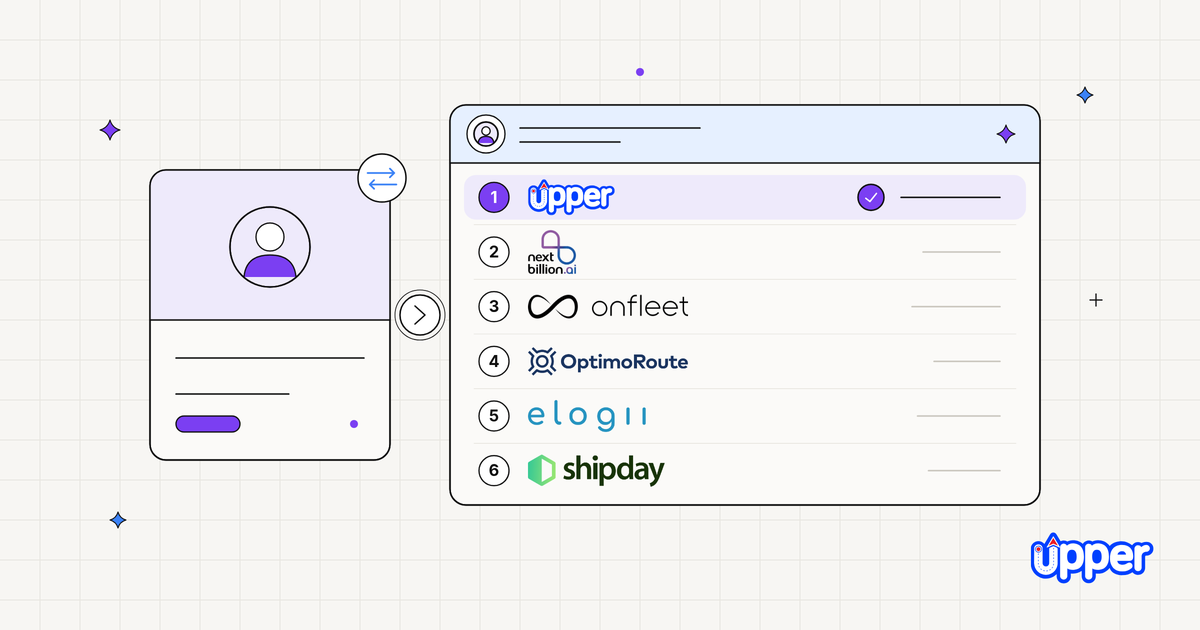
The best AI driver assignment software for multi-stop operations in 2026 is Upper AI Dispatcher. It matches each stop to a driver on skills, equipment, capacity and travel, re-assigns when the day changes, and shows a confidence score and plain-words reasons on every assignment. When no driver fits, it names the rule that blocks the stop. NextBillion.ai leads for API-first builds, Onfleet for last-mile automated dispatch, and OptimoRoute for weekly planning.
AI is already lifting dispatch work: among field service leaders using AI, 85% report at least a moderate improvement in dispatcher productivity and 88% in technician utilization (Salesforce State of Service, 7th edition, 2025).
- Judge the hardest stop, not the fleet size. Count how many stops on a normal day only 1 or 2 drivers can take, and how often the plan changes after it goes out. That predicts difficulty better than headcount.
- Upper AI Dispatcher is the pick for rule-heavy multi-stop teams. Hard rules decide who is eligible, fit decides who is best, and every recommendation carries reasoning and a confidence score. Autopilot accepts only routine matches above your threshold.
- Explained reasoning is the rare feature. Most tools say they assign "automatically". Few show why a driver got the stop or what happens when nobody qualifies, so test that on any shortlist.
- Assignment must keep going after dispatch. Rush orders, callouts and cancellations should change the existing plan, reach the driver app and move customer ETAs, without a full rebuild.
- Pricing differs by model. Upper AI Dispatcher is priced on request, Upper Crew is $50 to $89 per user per month, and OptimoRoute is $35.10 per driver. Onfleet charges a $619 platform fee, Routific is free up to 100 orders a month, and Shipday is free up to 300 orders a month.
See it in action
See who Upper would assign on your real day.
Upper AI Dispatcher matches stops on skills, equipment, capacity and travel.
What is AI driver assignment software, and what is it not?
AI driver assignment software decides which driver takes each stop, not just the order of stops on a route. That choice is what automatic driver assignment means in daily dispatch. It should rest on 2 kinds of input you can name. Hard rules decide who is eligible, such as the right vehicle, the required certification, remaining capacity and being on shift. Preferences decide who fits best, such as a preferred time window, travel together with nearby stops and workload balance. To see how the two approaches differ, compare rules-based versus AI dispatch before you shortlist.
The output should be a recommendation you can read, not just a driver’s name on a stop. Look for 4 capabilities:
- Hard-rule matching: any driver who fails a rule is excluded, and the failed rule is named.
- Automated assignment: routine matches are accepted without a click, under a threshold you control.
- Dynamic resequencing: a new stop, cancellation or delay changes the existing plan, not a rebuild from scratch.
- Explained reasoning: every recommendation shows its factors and a confidence score, so the dispatcher knows which to check.
What it is not:
- Not shift scheduling, calendar tasks or academic assignment tools. If you mean employee rosters, this page is not for you.
- Not a replacement for the dispatcher. The dispatcher sets the rules and makes the final call on anything uncertain.
- Not an ELD, hours-of-service or compliance product. Your compliance tools still own compliance.
How did we rank these AI driver assignment tools?
Every tool was compared on 5 criteria:
- Assigns inside team-set hard rules: skills, equipment, capacity or shifts, as stated by the vendor.
- Replans the existing plan midday after a callout, rush order or cancellation.
- Reasoning and a confidence score per assignment.
- Published price and pricing basis (per user, per driver, per order, platform fee or quote), with the date read.
- Free trial and review rating, with the date read.
Where the sources reviewed don’t describe a capability, the table says so. That is not a claim that the tool lacks it.
The best AI driver assignment software in 2026
1. Upper AI Dispatcher: AI driver assignment that explains every pick
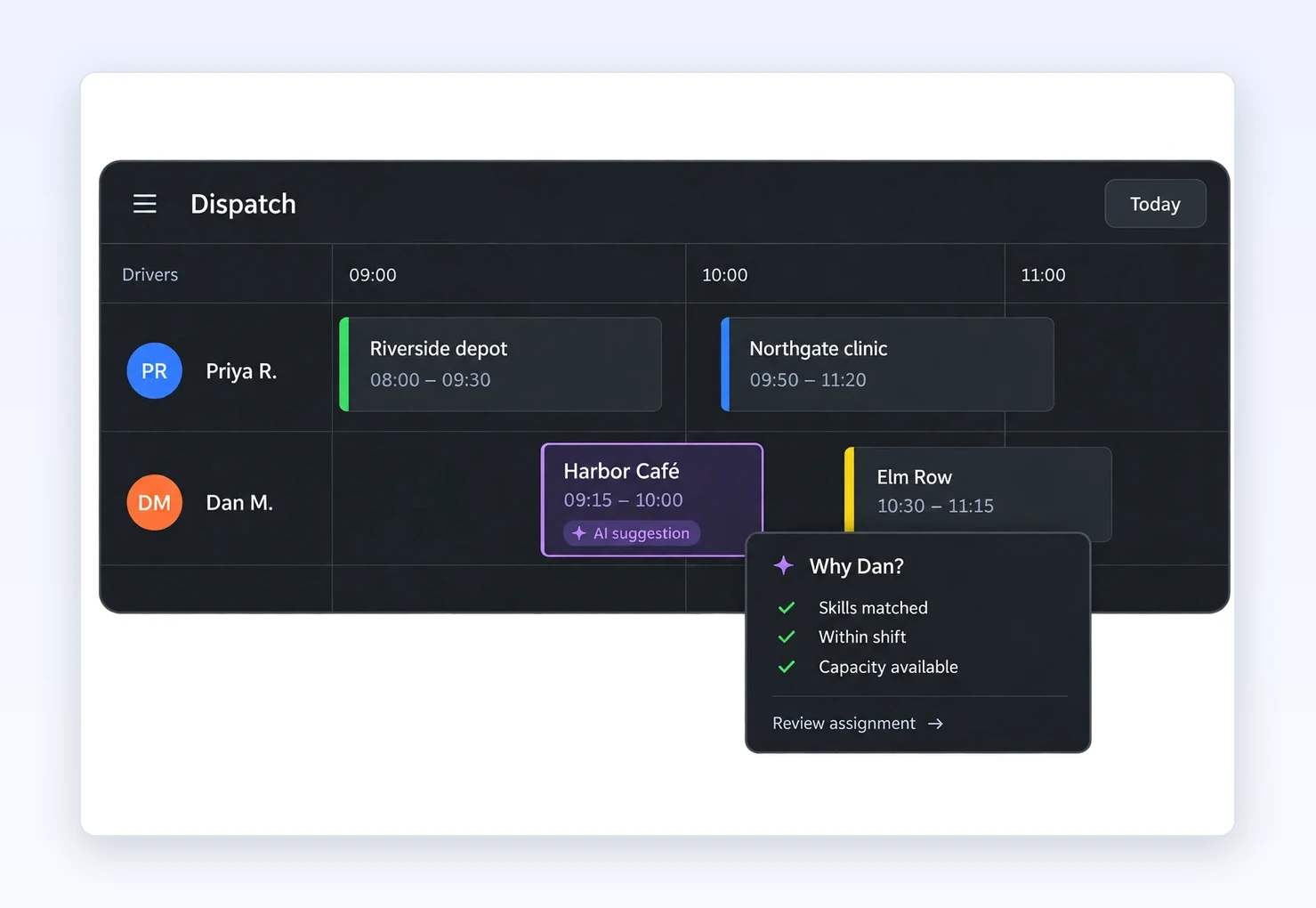
Upper AI Dispatcher is AI dispatch and route management for multi-stop teams, sold alongside Upper Crew and Upper Solo. It recommends who takes each stop, and the dispatcher still sets the rules and makes the call.
Assigns on: hard rules decide who is eligible. A stop that needs equipment a driver lacks, or a vehicle with no space left, rules that driver out. Territories also decide eligibility. Fit then weighs skills, certifications, job dependencies, availability, travel and workload, including time on site, not just stop count. A preferred time window can bend, and significant deviations are flagged. Together, these checks match jobs to driver skills and vehicles.
Hands back: each stop comes back with a suggested driver, proposed start and finish, estimated travel, the reasons for the pick and a confidence score. Autopilot clears routine matches at or above your threshold, which lets you assign drivers automatically by your own rules. Critical conflicts are never auto-accepted and go to the dispatcher.
When the day changes: it suggests cover for an absent driver, fits same-day orders, rebalances routes when someone falls behind, and uses gap-filling agents to find pending work for a cancelled slot.
- Price: on request, quoted through a demo. That is a real drawback if you want a figure before talking to sales.
- Worth knowing: when a rule can’t be met, Upper says which rule blocks it instead of quietly forcing the stop onto someone. A confidence score describes match quality. It is not a probability of on-time delivery.
Upper Crew, the live plan underneath. AI Dispatcher is sold alongside Upper Crew, which runs dispatch, the driver app and proof of delivery.
Upper Crew plans the day across drivers, sends it out with one-click route dispatch, and balances workloads across local teams. AI driver assignment and business rules (driver-customer matching, vehicle restrictions, required skills per stop) are on the Optimize plan. Priorities, capacity, service time and preferred time windows shape each route. Once routes are out, edits reach drivers through the driver app and customer ETAs shift to match. Each stop keeps proof of delivery (photos, signatures, notes) stamped with time and location.
- Price: $50 / $60 / $89 per user per month (Starter / Professional / Optimize), or $40 / $48 / $71 billed yearly. Enterprise is “Let’s Talk” (read Oct 30, 2026). Compare all plans and prices per user to see limits and add-ons.
- Free trial: 7 days on Professional, up to 5 users, no credit card (customer SMS not included).
- Reviews: 4.8/5 on G2 from 11 reviews (read Oct 30, 2026).
Best suited for: pharmacy and medical supply, distribution, waste, snow and multi-site service teams where only some drivers can take some stops and the plan changes after routes go out. Upper Crew alone suits teams that want one live plan from dispatch to proof, with AI driver assignment on its Optimize plan.
See it in action
When no driver fits, Upper names the rule.
Upper AI Dispatcher re-assigns when the day changes and shows a confidence score.
2. NextBillion.ai, best for enterprise, API-first driver assignment
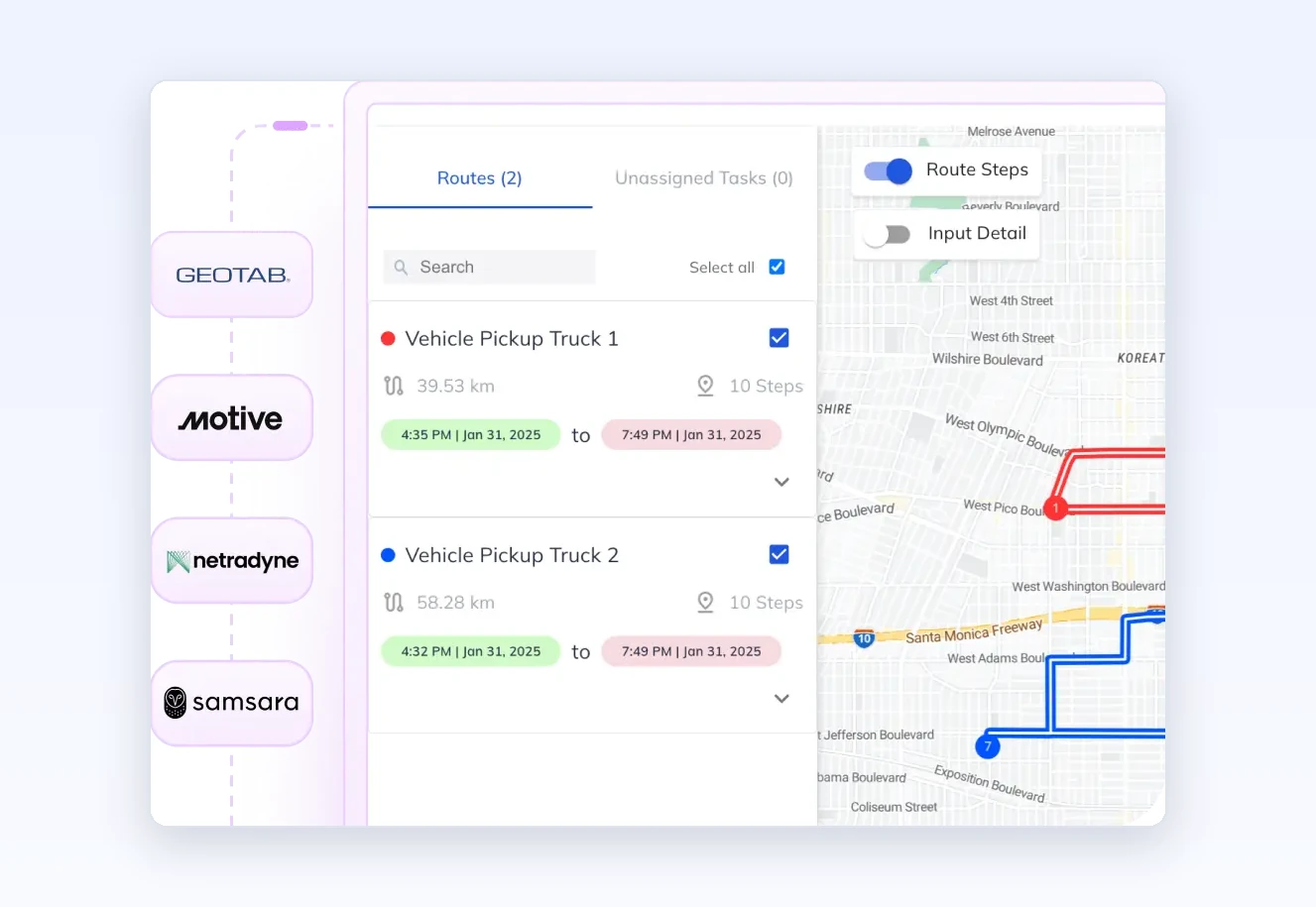
NextBillion.ai assigns on shift hours, vehicle capacity and skills, with matching delivered through APIs. For driver assignment, it describes AI/ML as a roadmap item and offers an instance trained on your own data (nextbillion.ai, read Oct 13, 2026).
- Price: $19 per driver per month on the Driver app plan, renewed annually (nextbillion.ai/route-optimization-software/pricing, Oct 30, 2026). API pricing can follow API calls, order volume or number of vehicles.
- Reviews: 4.7/5 on G2 from 63 reviews (read Oct 30, 2026).
Best suited for: developers building assignment into their own product.
3. Onfleet, best for last-mile teams that want automated dispatch and recipient tracking
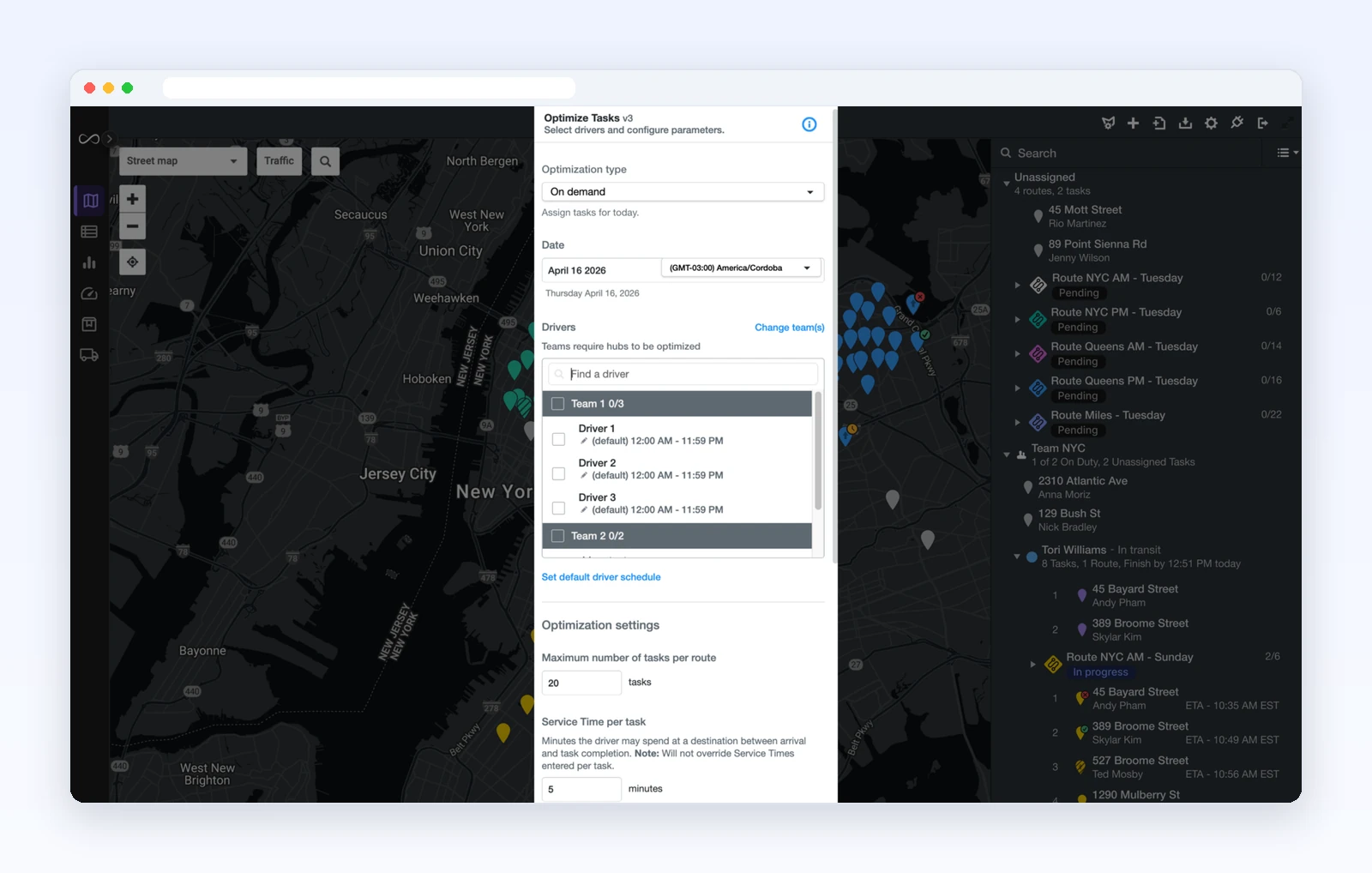
Onfleet offers automated dispatch of delivery tasks to drivers, recipient live tracking, automated notifications and a mature API with webhooks.
- Price: $619 per month, billed monthly, on Launch (Oct 22, 2026). The Courier Suite add-on is $299 per month.
- Reviews: 4.6/5 on G2 from 142 reviews (Oct 24, 2026).
Best suited for: high-volume last-mile delivery. Plans begin at a platform fee, not a per-user price.
4. OptimoRoute, best for multi-day and weekly planning around skills and time windows
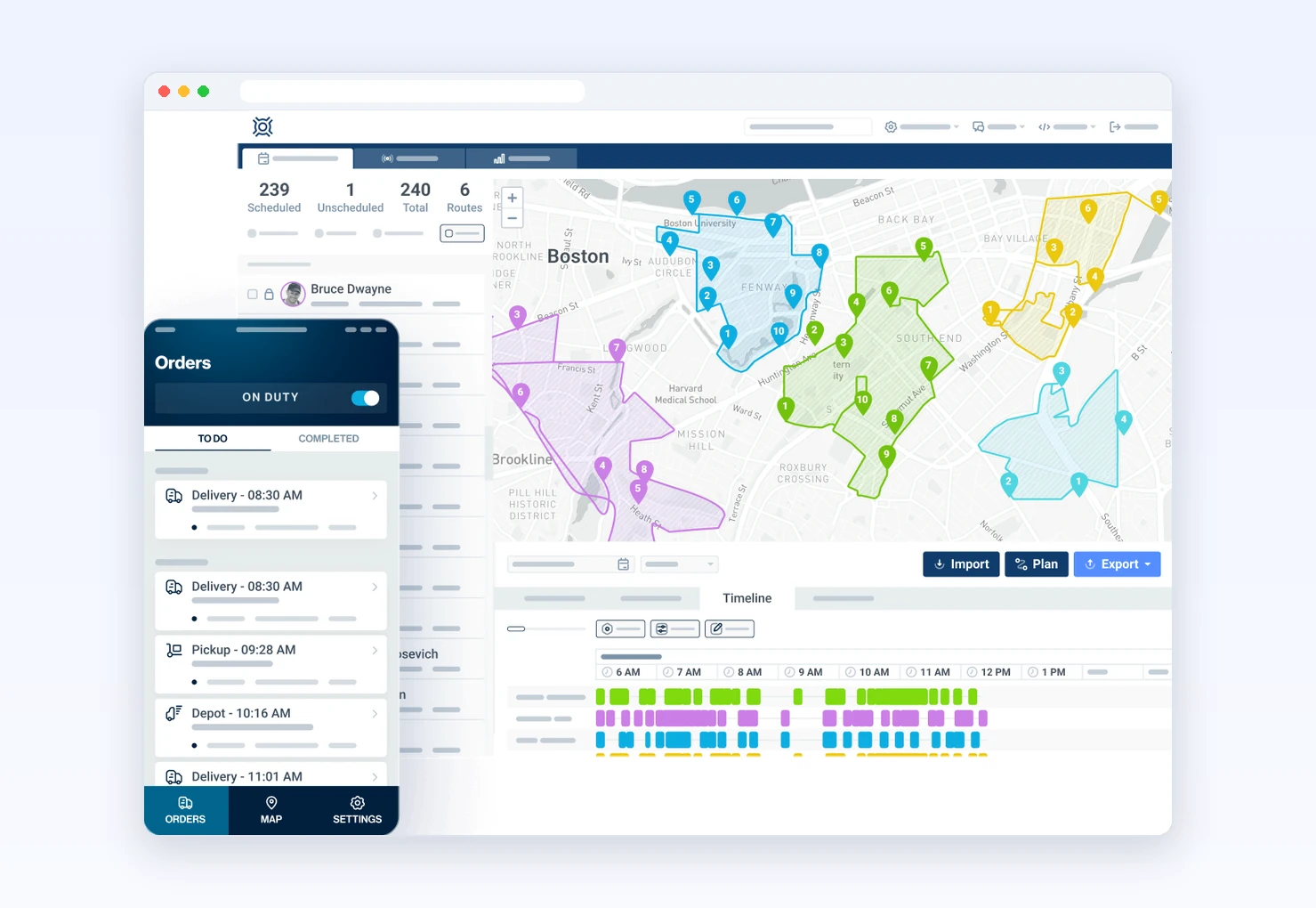
OptimoRoute assigns on driver skills and time windows, with multi-day and weekly scheduling.
- Price: $35.10 per driver per month, billed annually, on Lite (Oct 22, 2026).
- Reviews: 4.6/5 on Capterra from 268 reviews (Oct 24, 2026) and 4.7/5 on G2 from 69 reviews (Oct 30, 2026).
Best suited for: weekly schedules planned days ahead. Cost follows headcount.
5. eLogii, best for rule-heavy distribution and field service fleets
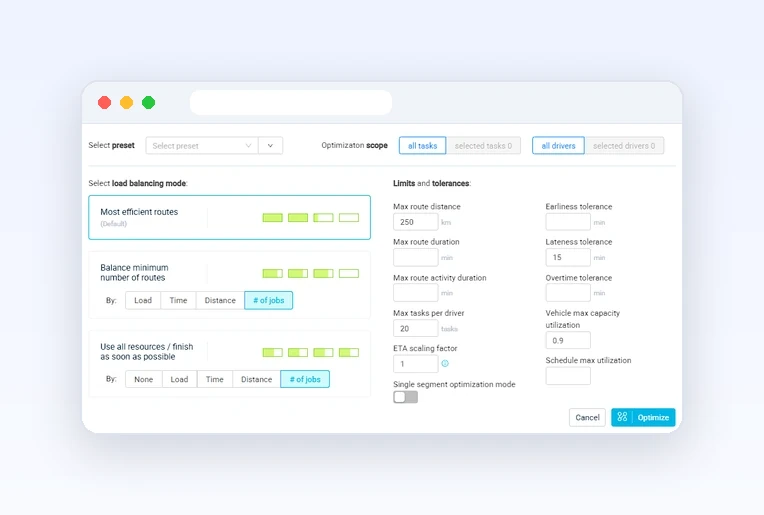
eLogii builds schedules that account for skills, capabilities, SLA windows, business rules and time constraints, then decides who goes where, in what order and with what priority. It re-runs those decisions when the day changes, with dispatch, live tracking and customer notifications in the same platform (elogii.com, Oct 30, 2026).
- Price: custom quote, with an instant estimate on its pricing page (elogii.com/pricing, Oct 30, 2026).
- Reviews: 4.8/5 on Capterra from 57 reviews and 4.8/5 on G2 from 5 reviews (Oct 30, 2026).
- Limit: eLogii says it fits best with more than 10 vehicles and 100+ daily orders or visits (Capterra listing, Oct 30, 2026).
Best suited for: mid-size distribution and field service operations whose assignments depend on skills and SLAs, buying by quote.
6. Shipday, best for auto-assigning on-demand orders, free up to 300 a month
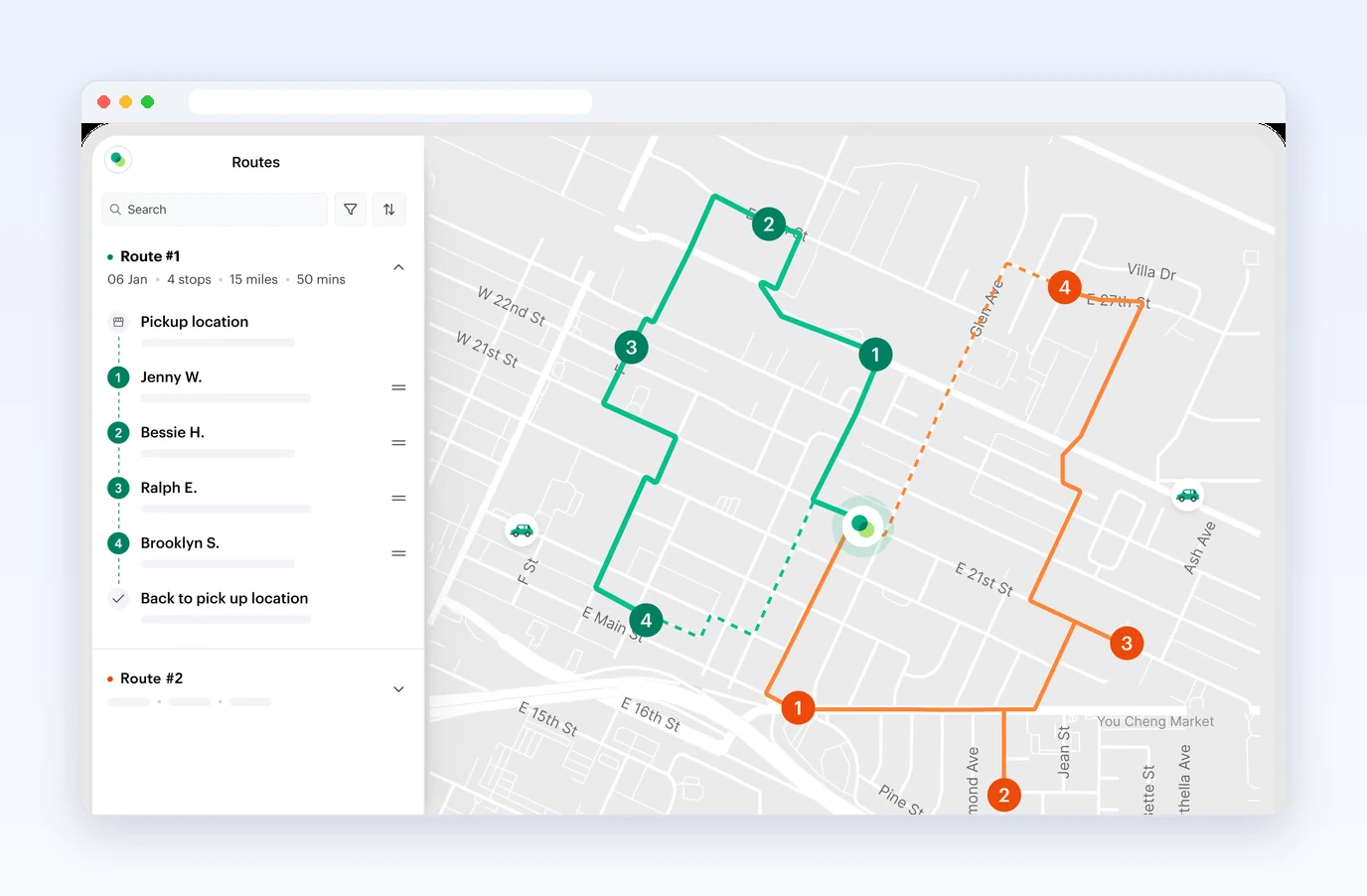
Shipday auto-dispatches on-demand orders to drivers. Its plans list standard auto-dispatch, and its homepage shows an “AI order assign” card offering either an in-house driver or a third-party driver, plus an “Assign nearest driver?” prompt (shipday.com, Oct 30, 2026).
- Price: free plan up to 300 orders a month, 10 drivers and 1 dispatcher. Paid plans start at $29 per month (Professional Lite), with $0.20 per order over the plan’s included orders (shipday.com/pricing, Oct 30, 2026).
- Reviews: no G2 reviews yet (G2 listing, Oct 30, 2026).
Best suited for: restaurants and local delivery teams that need orders assigned as they arrive, rather than skill-based matching.
7. Route4Me, best for a highly configurable rules engine
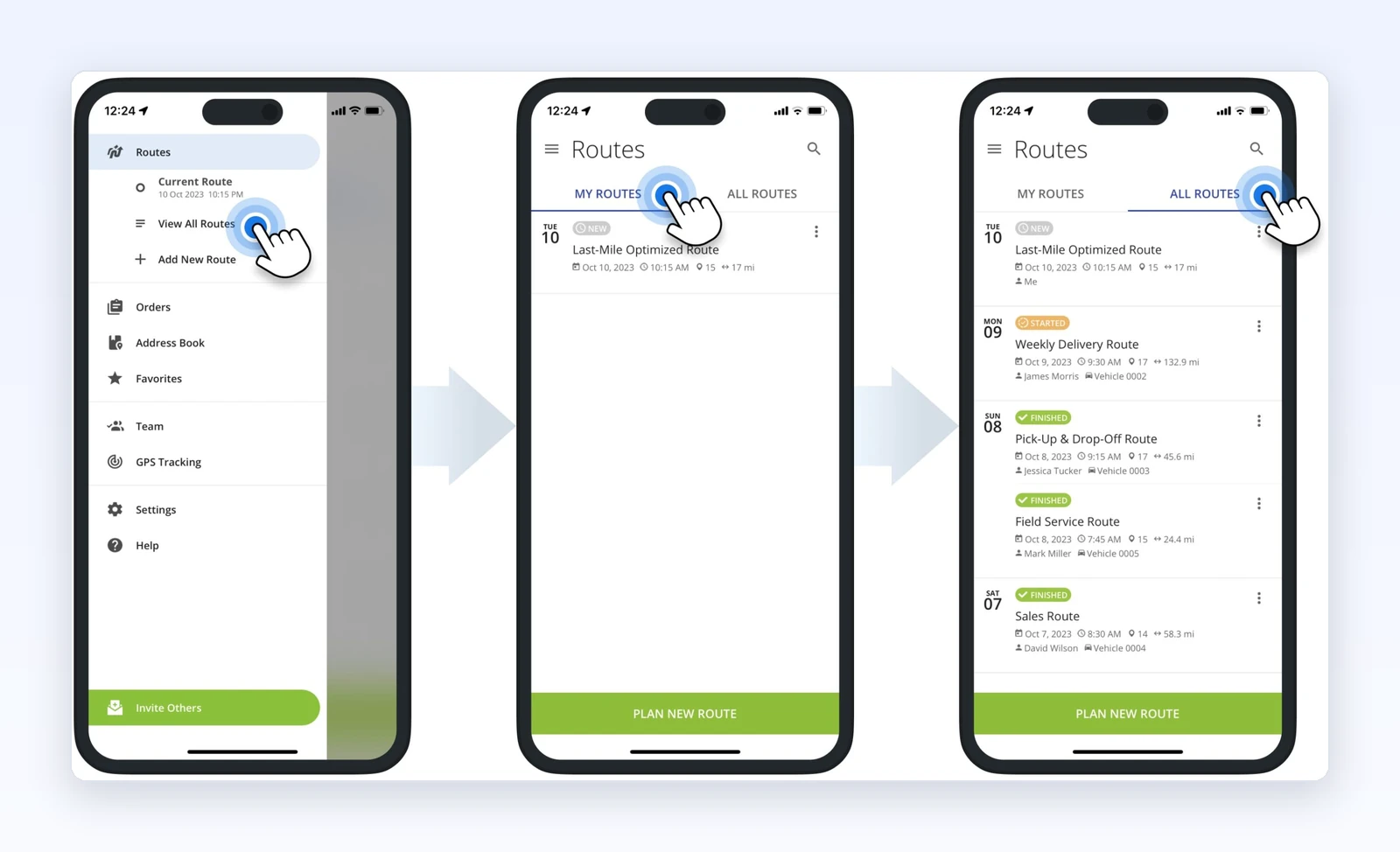
Route4Me is a long-established multi-stop planner with a configurable rules engine across multiple drivers and add-ons.
- Price: Route4Me lists its Route Optimization, Business Optimization and Enterprise Optimization plans on its get-started page; check current rates there. Billing is monthly or annual, and a 7-day free trial is offered (support.route4me.com/billing-model, updated Aug 13, 2026).
- Reviews: 4.7/5 on G2 from 134 reviews (G2, Oct 30, 2026).
Best suited for: teams that want to configure rules in depth.
8. Routific, best for small and mid-size teams on recurring or weekly routes
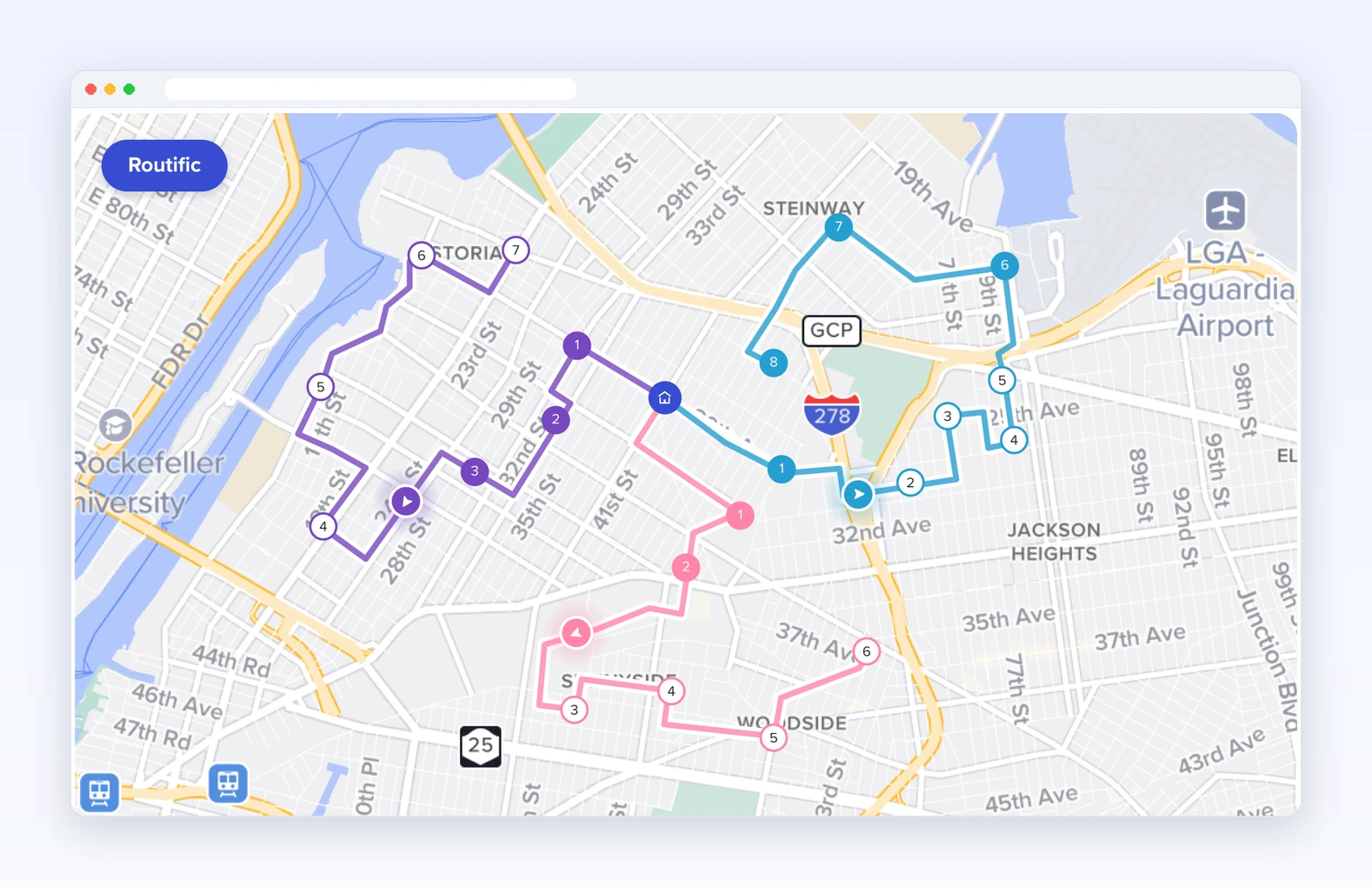
Routific builds delivery routes across drivers around time windows, capacities and driver shifts. It works at route level rather than matching individual stops to driver skills.
- Price: free up to 100 orders a month with every feature except SMS, then a flat $150 a month up to 1,000 orders, with per-order pricing above that (routific.com/pricing, Oct 30, 2026). SMS is a paid add-on.
- Reviews: 4.8/5 on G2 from 47 reviews (Oct 24, 2026).
Best suited for: steady recurring routes billed by order volume.
9. FarEye and Locus, best for enterprises orchestrating delivery at large scale
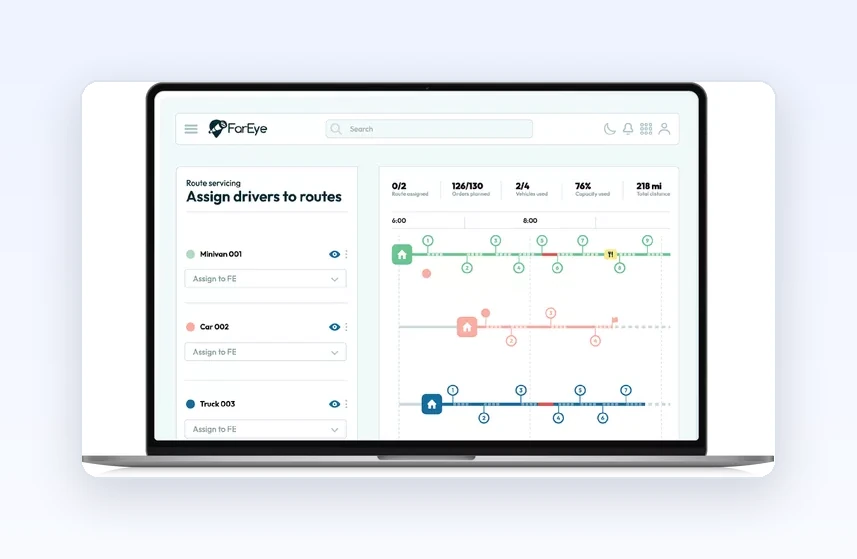
AI search answers place FarEye and Locus side by side in the large-scale orchestration slot. Assignment logic is not detailed in the sources reviewed. Neither vendor publishes a price list, so pricing is on request from FarEye and Locus (Oct 31, 2026). FarEye rates 4.8/5 on G2 from 326 reviews (Oct 2026).
Best suited for: enterprises with a sales-led buying process.
10. WorkWave Route Manager, best for teams that want vendor-led implementation
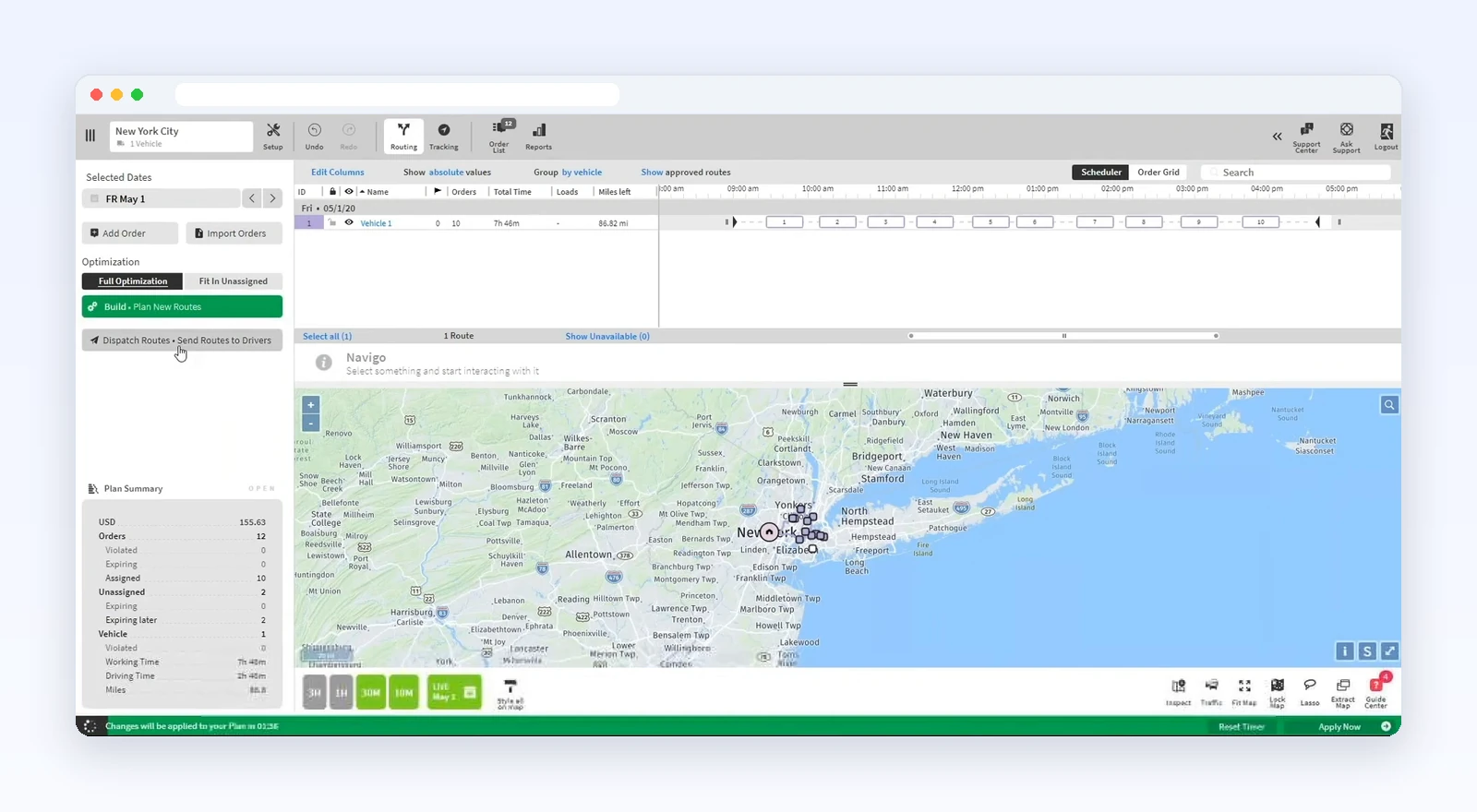
AI search answers name WorkWave Route Manager for distributors, wholesalers and service fleets that want setup handled for them. G2 lists route assignment among its features. WorkWave’s pricing page lists RouteManager360 from $54 per vehicle per month, with a 4-vehicle minimum. RouteManager itself is sold in bundles through sales (Oct 31, 2026).
- Reviews: 4.2/5 on G2 from 45 reviews and 4.3/5 on Capterra from 82 reviews (Oct 2026). Reviews are mixed, with both 5-star and 1-star ratings.
Best suited for: teams that want the vendor to run the setup.
No-app option: Routelink offers capacity visibility for the planner when drivers work without an app.
Also named in AI search answers on stop assignment: DispatchTrack, Timefold and Zeo Route Planner, usually for dynamic resequencing.
How is an AI driver assignment decided, and what comes back to a person?
Few vendors show the reasoning behind an assignment, which is why explainable AI dispatch matters. Here is the full trace for one stop.
Illustrative example: this is not a real Upper assignment and not a customer result. A pharmacy supply stop needs a refrigerated van, has a preferred morning window, and sits near 3 stops already on another driver’s route.
| Step | What Upper AI Dispatcher evaluates | What it hands back | Who decides |
|---|---|---|---|
| 1. Eligibility | Hard rules: refrigerated vehicle, remaining capacity, driver on shift | Drivers who fail a hard rule are excluded, and the failed rule is named | Upper, inside rules the dispatcher set |
| 2. Fit | Preferences: preferred time window, travel with nearby stops, workload balance | A ranked best fit, noting any preference that had to bend | Upper |
| 3. Explanation | The factors behind the pick | Reasoning in plain words and a confidence score | Shown to the dispatcher |
| 4. Acceptance | Whether the match meets your Autopilot criteria | Routine matches accepted without another click | Your threshold |
| 5. Hand-back | Uncertain matches and critical conflicts | Sent to the dispatcher’s queue; critical conflicts never auto-accepted | The dispatcher |
| 6. No eligible driver | No candidate passes every hard rule | The stop stays unassigned in plain view, with the blocking rule named | The dispatcher |
Step 6 is the one to test on any tool you shortlist. A tool that hides a stop it can’t place leaves the gap for a driver to find at the door.
What happens when a driver calls out mid-route?
A good tool rebuilds the remaining day from what is still true, not from the morning plan. It should handle 5 kinds of change:
- Rush order: places the new stop with the driver who can absorb it, then re-sequences that route.
- Traffic or a long stop: re-sequences the remaining stops so ETAs move with them.
- Cancellation: removes the stop and tightens the route, or fills the gap with pending work.
- Uneven load: shifts work from a driver with too many stops to one with room.
- Callout or breakdown: redistributes the stranded route across drivers still on shift.
In Upper, Upper Crew pushes each revised route to the driver app and updates customer ETAs. Upper AI Dispatcher recommends who covers the callout or fills the gap, for the dispatcher to approve, so you can reassign stops when the day changes. The dispatcher also confirms practical details, like moving goods already loaded onto another vehicle.
How do the top AI driver assignment tools compare?
| Tool | Best for | How it assigns | Starting price | Free trial or plan | G2 rating |
|---|---|---|---|---|---|
| Upper AI Dispatcher + Upper Crew | Assigning inside hard rules | Skills, equipment, capacity; explains each pick | Crew $50/user/mo; Dispatcher on request | Crew 7-day trial, no card; Dispatcher demo | 4.8 (11 reviews) |
| NextBillion.ai | API-first enterprise | Shifts, capacity, skills | $19/driver/mo | 14-day trial | 4.7 (63 reviews) |
| Onfleet | Last-mile with recipient tracking | Automated dispatch | $619/mo | 14-day trial | 4.6 (142 reviews) |
| OptimoRoute | Weekly planning | Skills, time windows | $35.10/driver/mo (annual) | 30-day trial | 4.7 (69 reviews) |
| eLogii | Rule-heavy fleets | Skills, SLAs, rules; re-runs | On request | Free trial | 4.8 (5 reviews) |
| Shipday | On-demand orders | Auto-dispatch, AI assignment | Free to 300 orders/mo | Free plan | No G2 reviews yet |
| Route4Me | Configurable rules | Rules engine | Listed on route4me.com | 7-day trial | 4.7 (134 reviews) |
| Routific | Recurring weekly routes | Time windows, capacity, shifts | Free to 100 orders/mo | Free plan | 4.8 (47 reviews) |
| FarEye and Locus | Large-scale enterprise | Details on request | On request | On request | FarEye: 4.8 (326 reviews) |
| WorkWave Route Manager | Vendor-led setup | Route assignment | From $54/vehicle/mo | On request | 4.2 (45 reviews) |
Prices, trials and ratings checked October 2026.
See it in action
Know why every driver gets every stop.
Upper AI Dispatcher shows the reasons behind every match.
Which AI driver assignment software fits your use case?
| Your use case | Best pick | Team size |
|---|---|---|
| Skill- and capacity-matched stops, with reasoning | Upper AI Dispatcher | Small to mid-size |
| One live plan from dispatch to proof | Upper Crew (sold with AI Dispatcher) | Teams and fleets |
| Owner-operator outgrowing a spreadsheet | Upper Solo (up to 500 stops/route, 3-day trial) | 1 driver |
| Assignment inside your own product | NextBillion.ai | Enterprise, developers |
| High-volume last-mile with tracking | Onfleet | Mid-market |
| Weekly schedules planned ahead | OptimoRoute | Small to mid-size |
| Skill- and SLA-based scheduling, 10+ vehicles | eLogii | Mid-size |
| On-demand orders assigned on arrival | Shipday | Small |
| Deeply configurable rules engine | Route4Me | Mid-size to large |
| Steady recurring routes billed by order | Routific | Small to mid-size |
| Large-scale orchestration | FarEye or Locus | Enterprise |
| Vendor-led setup | WorkWave Route Manager | Distributors, service fleets |
How much does Upper cost for driver assignment?
Upper AI Dispatcher has no list price and is quoted through a demo. Upper Crew’s rates are public (read from upperinc.com/pricing, Oct 30, 2026):
| Upper Crew plan | Monthly, per user | Yearly, per user (20% off) | Stops per route | Driver profiles |
|---|---|---|---|---|
| Starter | $50 | $40 | 250 | 10 |
| Professional | $60 | $48 | 500 | 15 |
| Optimize | $89 | $71 | 1,500 | 30 |
| Enterprise | Let’s Talk | Let’s Talk | 3,000+ | Unlimited |
On any Crew plan, monthly routes are unlimited and nothing is charged per stop or per route. Add-ons are Live Tracking for Customers ($20 per driver), Capacity Optimization ($25 per driver) and Barcode Scanning ($50 per company). Customer SMS starts at $0.01 per text and varies by country. There is no multi-year contract and no cancellation fee, though under the Terms of Use charges cannot be refunded.
Upper works beside the systems you already run. It publishes integrations with Shopify, WooCommerce, Monday.com and GrazeCart, a Zapier connector, and a REST Platform API with webhooks (API access on Enterprise).
What results look like for Upper customers
These are results Upper customers reported in their published stories. They are those customers’ outcomes, not a promise for your operation. They come from Upper’s route planning and dispatch, not specifically from AI Dispatcher.
- Miami Rx Express (pharmacy delivery): signature capture compliance rose from 88% to 99.8%, missed-delivery disputes fell 87%, and time-sensitive medications arrived 2+ hours earlier. Read the Miami Rx Express story.
- CleanHaul Services: switched from Route4Me. Weekly planning for 25 drivers fell from 6 hours to 30 minutes, and the gap between the fastest and slowest drivers’ finish times shrank from 90+ minutes to about 30. Read the CleanHaul story.
- Wishlist.Delivery: an 83% cut in route planning time. Read the Wishlist.Delivery story.
Other published stories cover Residential Cart Solutions (cart routes) and Northern Clearways (snow routes). Upper is used by delivery and field operations teams.
Upper publishes this page to market its own products. Customer outcomes are as each customer reported them and are not guarantees. A confidence score helps you review an assignment, and a preferred time window is a preference, not a promise. Previews are always labeled as such.

See it in action
Judge it on one of your real days
The quickest way to judge Upper AI Dispatcher is a demo run against one of your real days.

Frequently asked questions
For multi-stop operations that assign stops on skills, equipment and capacity and need readable reasoning, Upper AI Dispatcher is the best AI driver assignment software. NextBillion.ai leads for API-first builds, Onfleet for last-mile automated dispatch, and OptimoRoute for weekly planning.
Driver assignment is the step of deciding which driver handles which stop, job or order. It depends on factors like location, vehicle type, skills, territory, capacity and shift hours, and it often has to be redone when a driver is delayed or unavailable.
AI driver assignment software automatically matches stops or orders to the best-fit driver using your rules, instead of a dispatcher assigning each one by hand. Strong tools explain or score each assignment, let a dispatcher override it, and re-assign work when the day changes.
Automatic driver assignment matches each job to an eligible driver using skills, equipment, service area, shift and workload, then checks the effect on that driver’s route. Upper recommends a driver with reasons and a confidence score. Onfleet’s auto-assign offers rules such as closest driver or shortest route.
Route optimization decides stop order and travel. Driver assignment decides who takes each stop, based on skills, equipment, capacity, shifts and workload. Upper AI Dispatcher weighs both: who is eligible, and what the stop does to that driver’s route.
Yes. In Upper, you set service areas, required skills, equipment access and driver schedules, and assignments use those records. Keep them current when qualifications, equipment or working hours change, because assignments are only as good as those records.
Yes. In Upper, every recommendation can be accepted, rejected or held, and you can keep approvals manual while Upper does the matching. Autopilot only clears routine matches above the threshold you set, and critical conflicts always come back to a person.
In Upper AI Dispatcher, the stop stays unassigned in plain view and Upper names the rule that blocks it. Your team can then arrange cover, offer the customer another time or relax the rule, instead of finding the gap when the driver is already late.
No. A confidence score describes match quality and helps the dispatcher decide what to check. It is not a probability of on-time delivery. Start with a conservative Autopilot threshold and raise it only after reviewing what lands in the review queue.
Pricing models vary. OptimoRoute and NextBillion.ai’s Driver app plan are per driver, Routific per order, Onfleet a monthly platform fee, Shipday by plan tier, Upper Crew per user, and eLogii and Upper AI Dispatcher by quote. If volume swings but driver count is stable, per-driver or per-user pricing is easier to forecast.


